
Today’s iPhone and iPad deserve better
Full Keyboard Layout
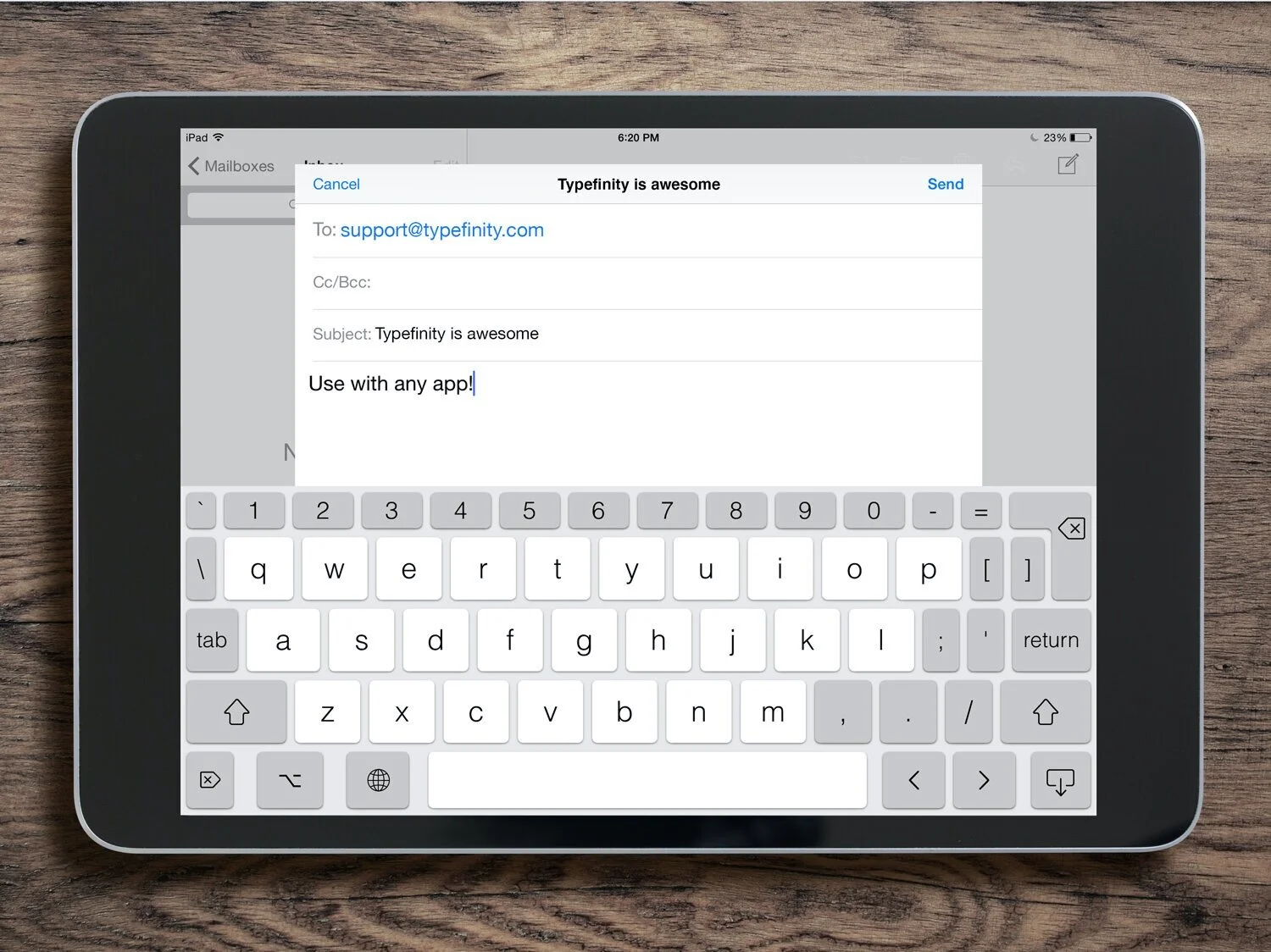
Unleash the full power of your mobile device with Typefinity. Typefinity opens in any app and works just like your regular keyboard.
Numbers, punctuation, cursor keys, and more. Right where you expect them. No switching screens, no hunting through “creative” key arrangements.
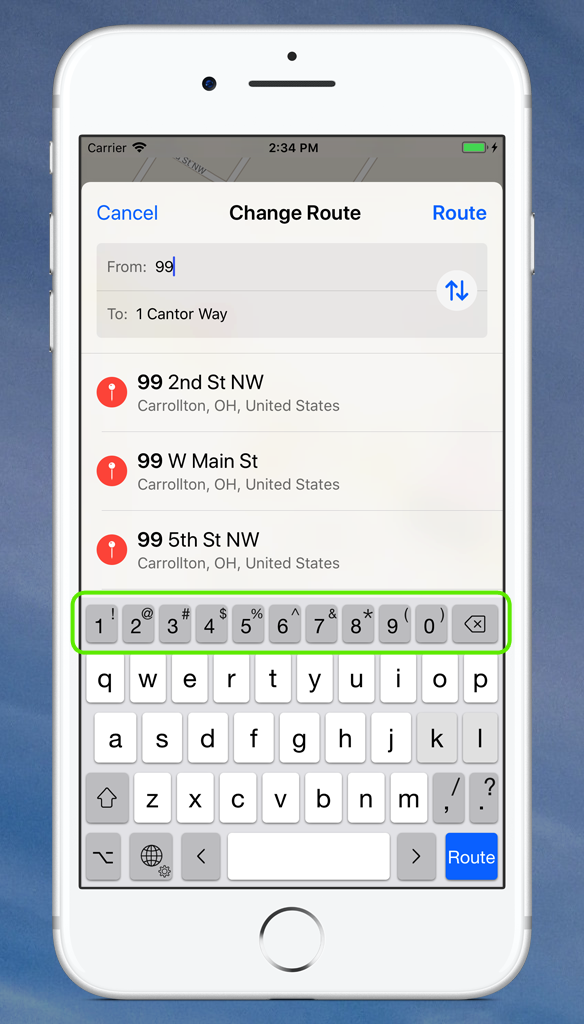
Numbers — Never slow down to switch layouts when entering an address again. No worries either if you need to type in a tracking number, or add a date or time to a text or email.
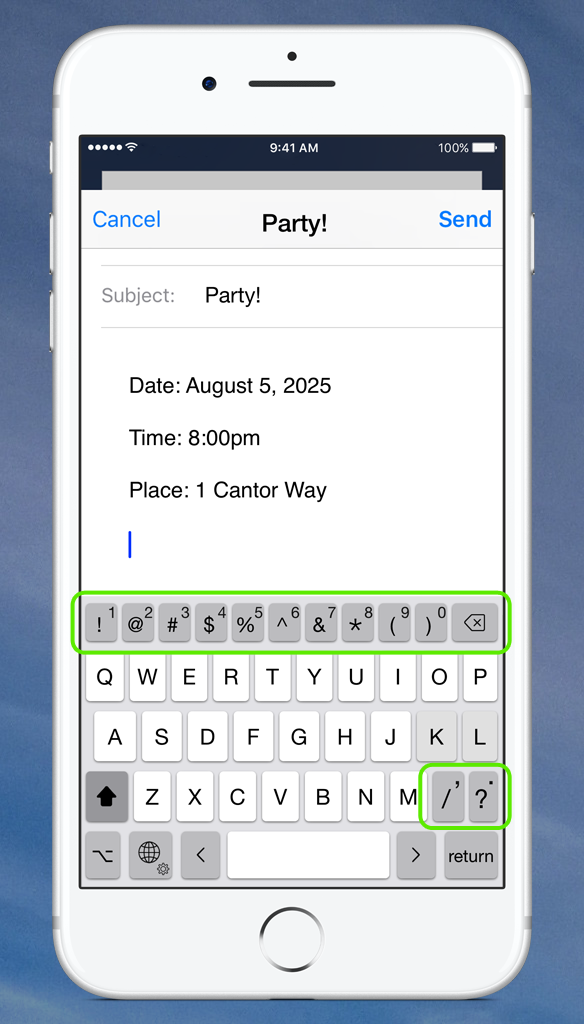
Punctuation — How many times a day do you hit the ‘123’ key when you’re not even going to type a number? Typefinity has you covered there too.
Just Type
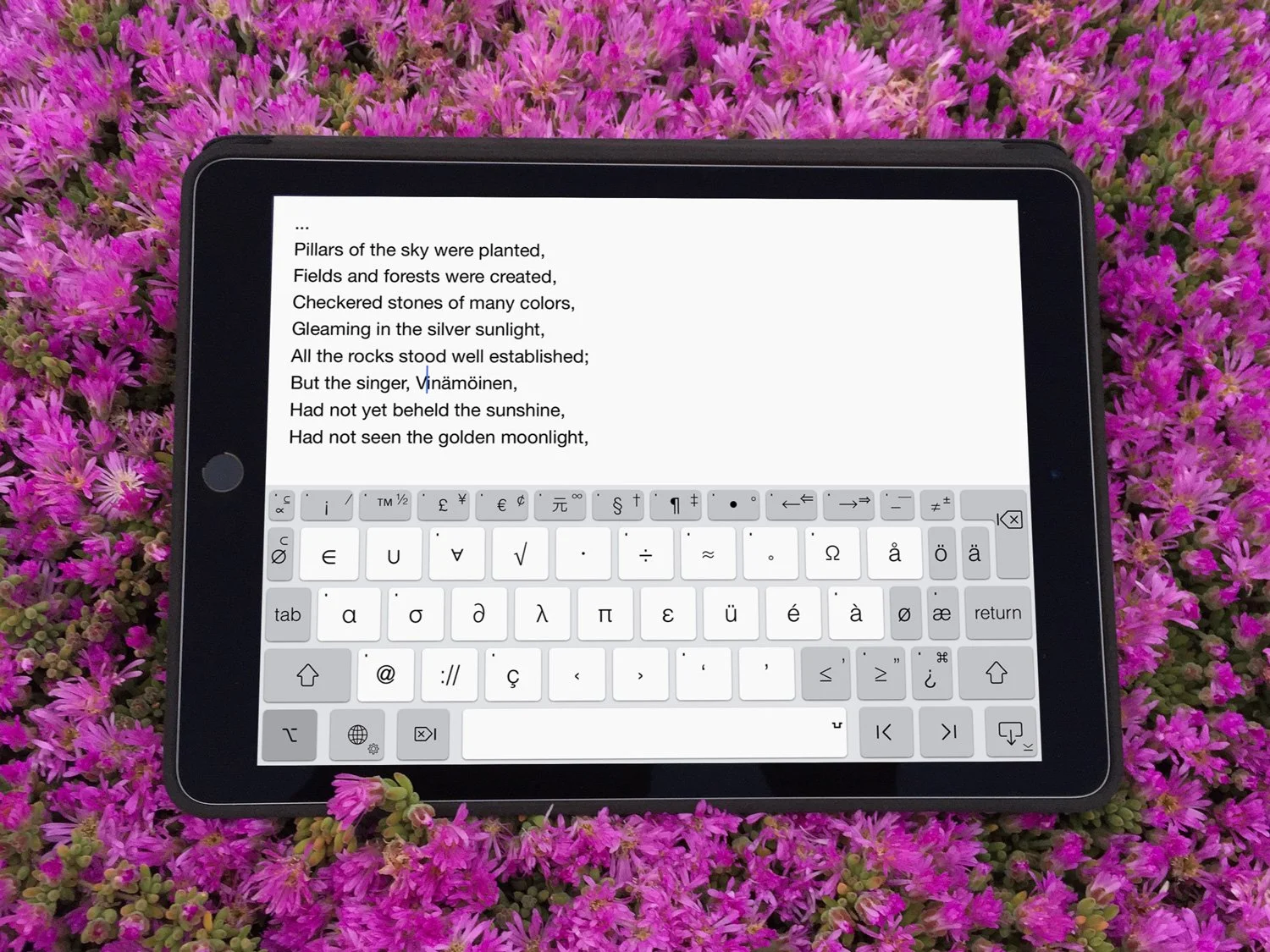
Tap the option key for a truly powerful symbols layout.
Move or delete words, type accented characters, and insert special symbols, all from the comfort of the home keyboard.
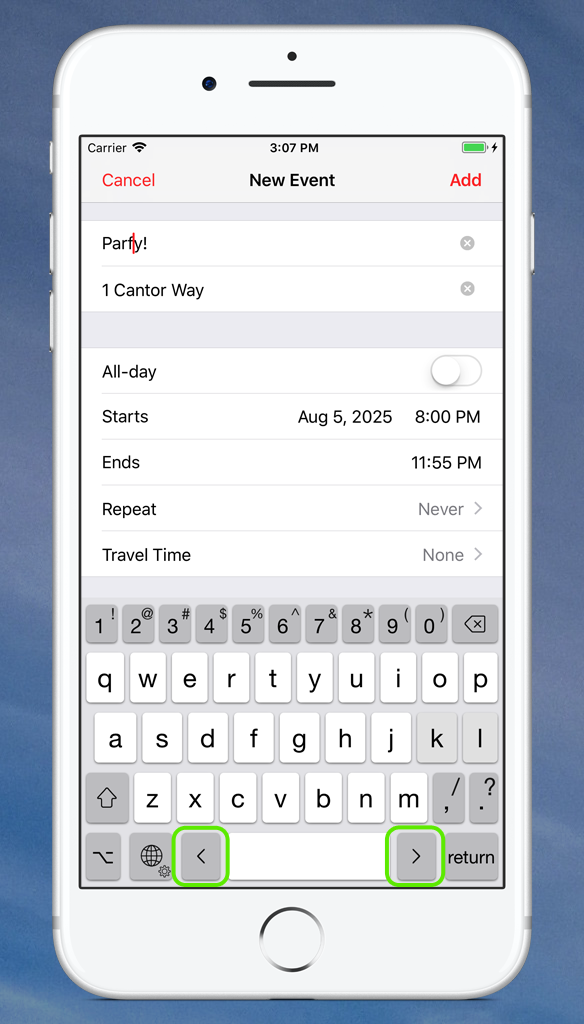
Cursor keys — For all those times you just want to go back and change one letter. Various forms of tapping, sliding, and dragging have been tried to help with this, but sometimes it’s the simplest way that works best.
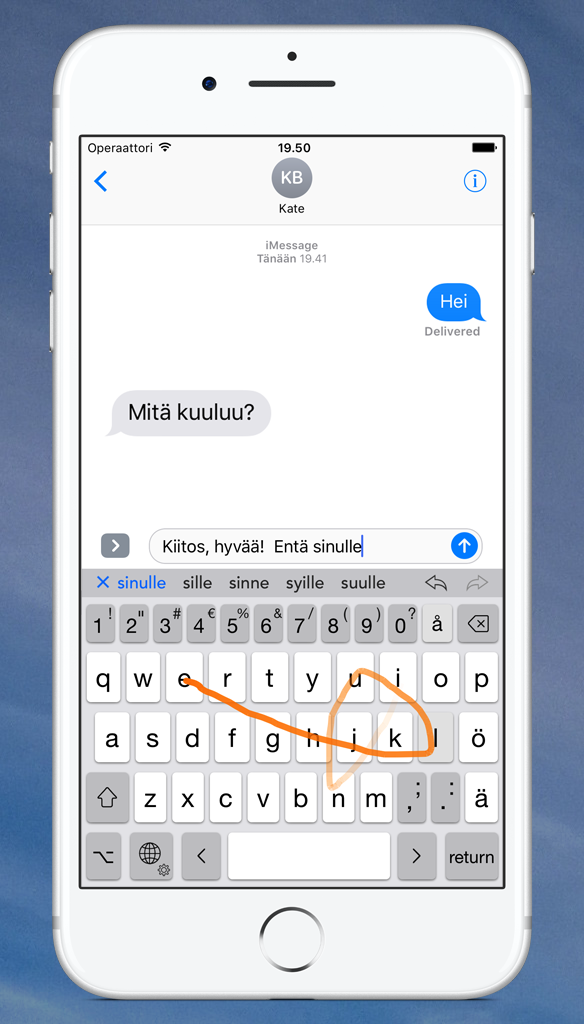
Word swipe — When you’re working with a small screen area, swiping out a word can be faster than pecking it. Typefinity provides this, plus you can swipe up on individual keys to get shifted versions.
The Power to Move
Want to make a change a couple of words back? Don’t stop and finger-hunt, just tap the cursor keys and go where you want to go.
Enable autocorrect for an even faster typing experience.
Multilingual
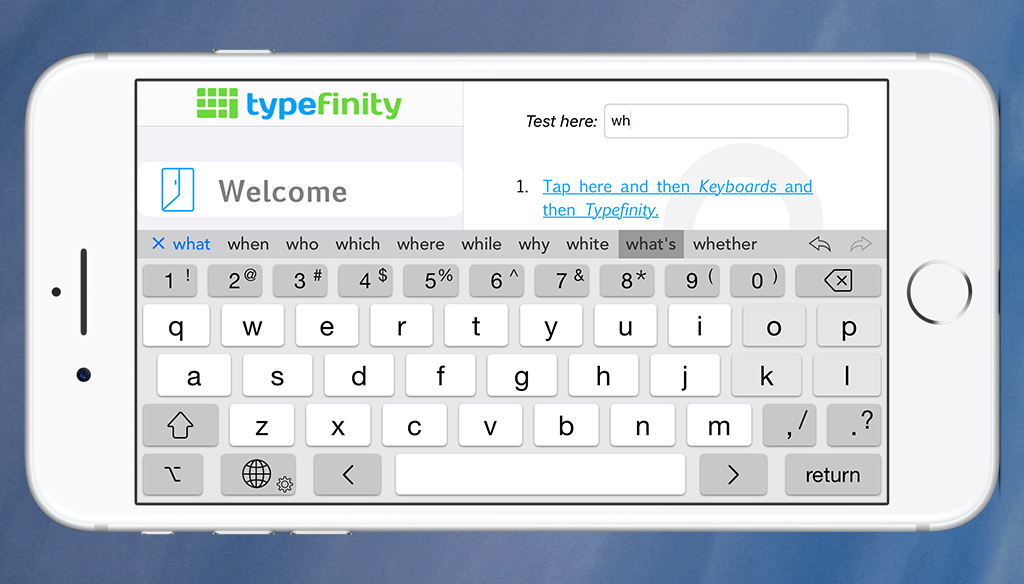
Typefinity supports fourteen languages with adaptive autocorrect and suggestions in each. Turn the phone on its side to see more than just three choices. Hold the Globe key to switch quickly between two frequently-used languages.
The Keyboard That Suits You
Use the language you need with the theme you like. Type if you’ve got two hands free, or just swipe if you’ve only got one!
Customize Typefinity to the themes and colors that suit your mood.
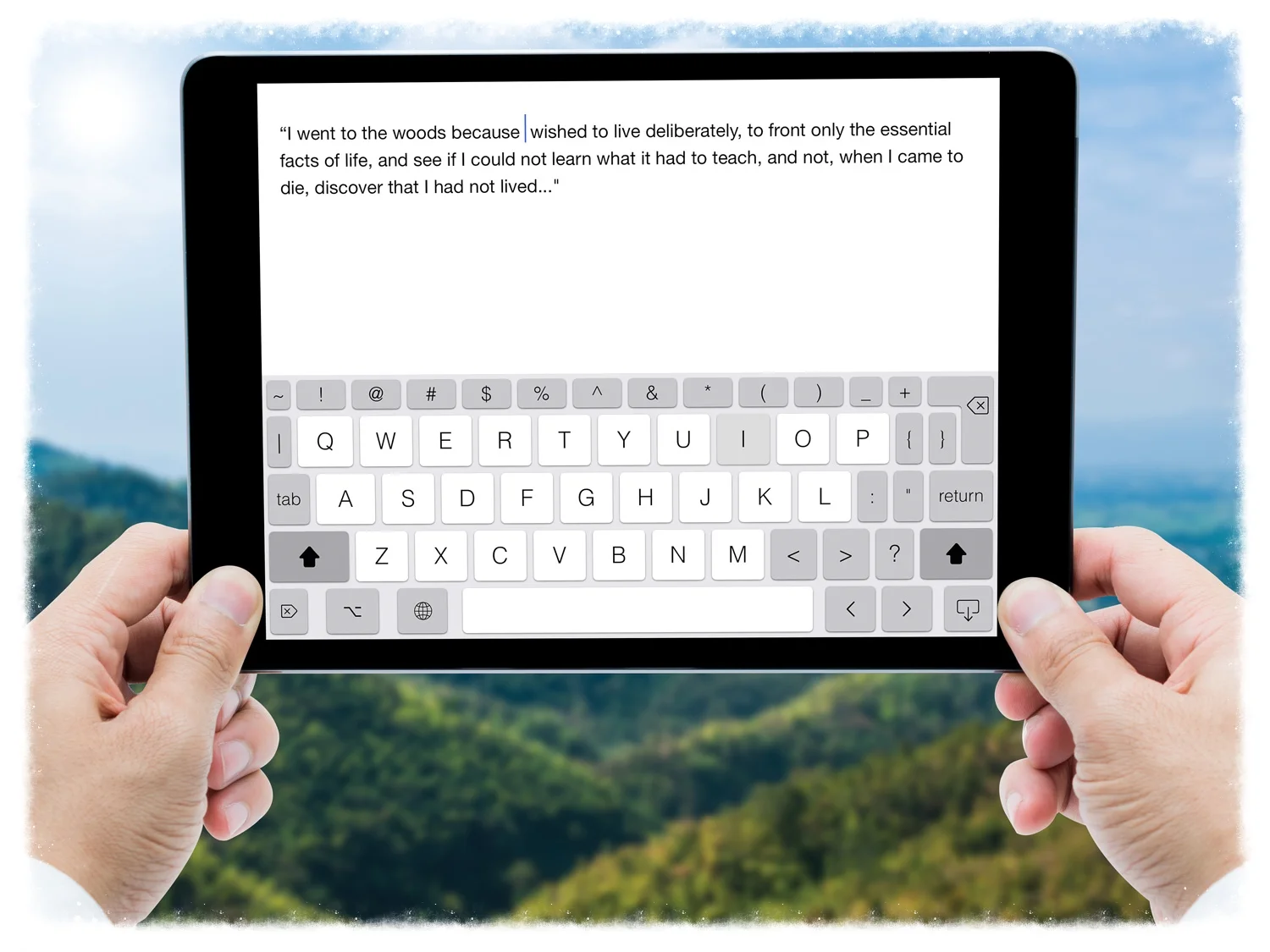
Everything You Need, In Your Hands
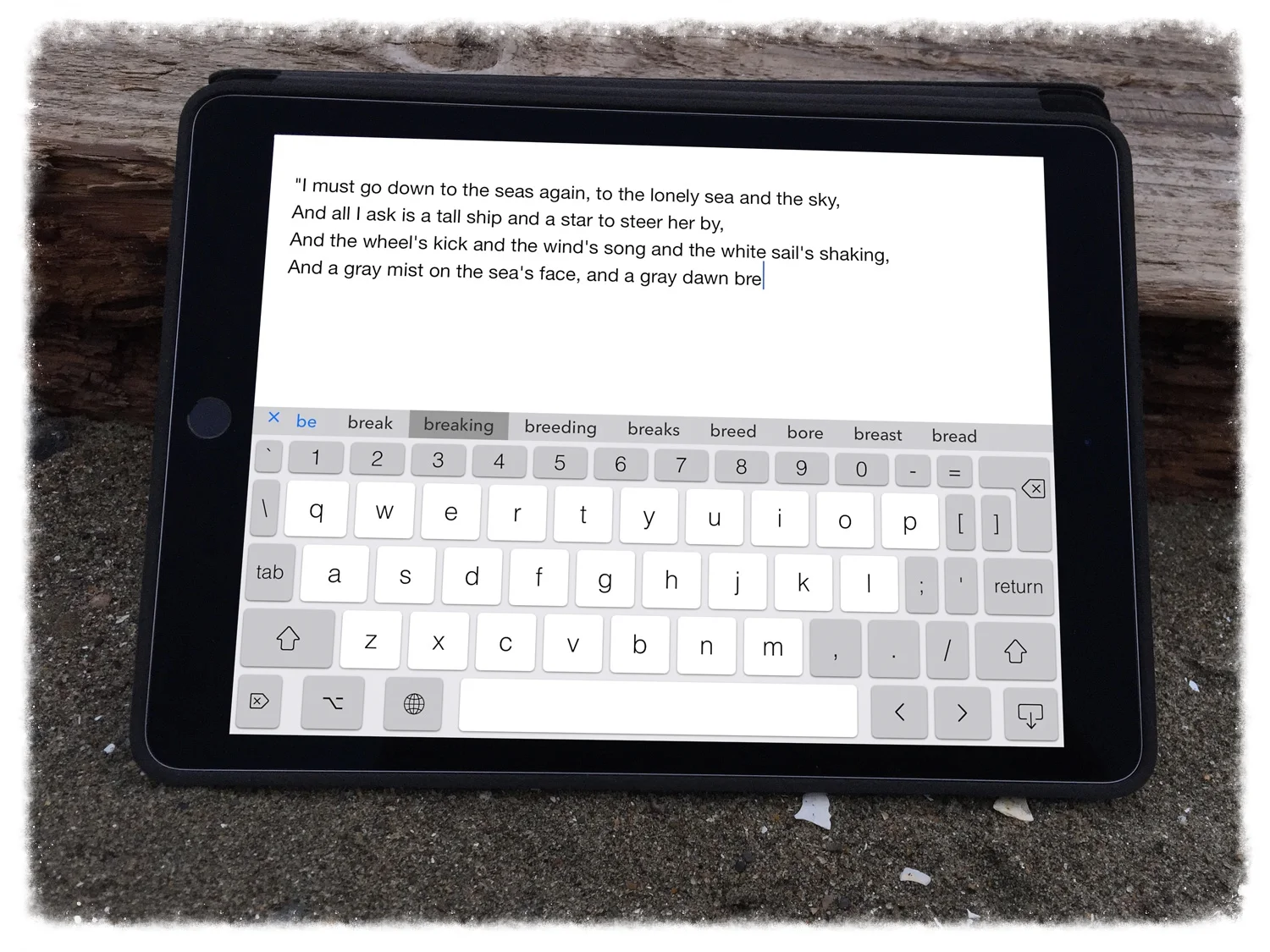
You got a tablet because it’s portable, not because you wanted to carry around an external keyboard.
Typefinity is for long emails, journaling, blogging, and impromptu poetry. Designed for people who do more than text — writers, students, professionals, programmers, editors, and anyone who needs to type quickly and precisely.